Duplicate records are one of the most persistent problems in CRM management. Typical unmanaged CRMs have 10-30% duplicate rates. On a 10,000-contact database, that means 1,000-3,000 records are duplicates of each other. They inflate your database size, confuse your reporting, cause reps to work the same prospect twice (or worse, send conflicting messages), and make every metric in your CRM unreliable.
The standard approach to duplicates is reactive: run a dedup tool periodically and merge the duplicates it finds. That works, but it is treating the symptom. The better approach is prevention, and enrichment data makes prevention dramatically more effective.
Why Duplicates Happen
Duplicates are created through multiple entry points:
Web forms: a prospect fills out two different forms on your website with slight name variations (Jon Smith on one, Jonathan Smith on the other). Both create new CRM records because the names do not exactly match.
Manual entry: a rep creates a contact record without checking if it already exists. Maybe they spell the company name slightly differently, or use a different email address for the same person.
List imports: you import a CSV from an event, a purchased list, or a partner. The import creates new records for contacts that already exist in your CRM because the import tool does not check for matches.
Multi-channel entry: a prospect interacts via email, then LinkedIn, then a webinar registration, each time entering slightly different information. Each interaction creates a new record.
Tool sync conflicts: your CRM syncs with your marketing automation platform, which syncs with your sales engagement tool. Sometimes these syncs create duplicate records because the matching logic differs between platforms.
Why Basic Dedup Logic Fails
Most CRM dedup tools match on exact email address. That catches the obvious duplicates but misses the nuanced ones:
- Same person, different email: john@company.com and j.smith@company.com are the same person but would not match on email alone
- Same person, email variation: john.smith@company.com and johnsmith@company.com (with vs. without the dot)
- Same person, company name variation: John Smith at Microsoft Corp vs. John Smith at Microsoft Corporation
- Personal vs. work email: john@gmail.com and john.smith@company.com might be the same person
These fuzzy duplicates are the ones that accumulate over time and cause the most confusion because they look like different contacts to automated tools.
How Enrichment Improves Deduplication
Domain Normalization
When you enrich a contact, the enrichment data standardizes the company information. Both Microsoft Corp and Microsoft Corporation map to microsoft.com. By using the domain as the company identifier rather than the company name string, you eliminate company name variations as a source of duplicates.
Email Discovery
Waterfall enrichment finds multiple email addresses for the same person. If your CRM has john@gmail.com and enrichment discovers that the same person also uses john.smith@company.com, you can link the two records. Without enrichment, these records look like different people.
Phone Number as Secondary Key
A verified mobile phone number is highly unique to an individual. When enrichment provides a mobile number and two CRM records share the same verified mobile, they are almost certainly the same person, even if their emails, names, or companies differ slightly.
Company + Title Matching
Enrichment standardizes job titles. When two records have the same enriched company domain and the same standardized title, they are likely duplicates even if the names vary slightly (Jon vs. Jonathan, MacDonald vs. McDonald).
Building a Duplicate Prevention System
Step 1: Pre-Entry Duplicate Check
Before a new record is created in your CRM, check if it already exists. This is the most effective prevention measure because it stops duplicates at the point of entry.
Matching logic: check email address (exact match), then check company domain + name (fuzzy match), then check phone number (exact match). If any match is found, update the existing record rather than creating a new one.
Implementation: most CRMs support duplicate detection rules (Salesforce Matching Rules, HubSpot Duplicate Management, Pipedrive Duplicate Detection). Configure them to check on record creation.
Step 2: Enrichment-Enhanced Matching
When a potential new record arrives, enrich it first, then run the duplicate check. Enrichment adds data points (verified email, phone, company domain) that make matching more accurate.
Example: a webinar registration comes in with just a name and personal email (jane.doe@gmail.com). Before creating a record, enrich to discover her work email (jane.doe@company.com) and phone number. Now check for existing records matching any of those identifiers. Without enrichment, you would only check the Gmail address and miss the existing record with her work email.
Step 3: Continuous Deduplication
Despite prevention efforts, some duplicates will slip through. Run automated dedup scans weekly or monthly using the enhanced matching criteria described above.
Merge rules for when duplicates are found:
- Keep the older record (it has more activity history)
- Update it with data from the newer record (newer data is more current)
- Preserve all email addresses and phone numbers (store as secondary contacts)
- Merge activity history from both records
Step 4: Import Safeguards
List imports are the biggest source of bulk duplicates. Before any import:
- Deduplicate the import file itself (sort by email, remove exact duplicates)
- Cross-reference the import file against your CRM database (match on email)
- Enrich the import file before importing to standardize company names and discover additional matching fields
- Use your CRM's update-or-create import mode rather than create-only
The Enrichment-Powered Dedup Workflow
Here is the complete workflow that combines enrichment with dedup prevention:
- New data arrives (form fill, import, manual entry, tool sync)
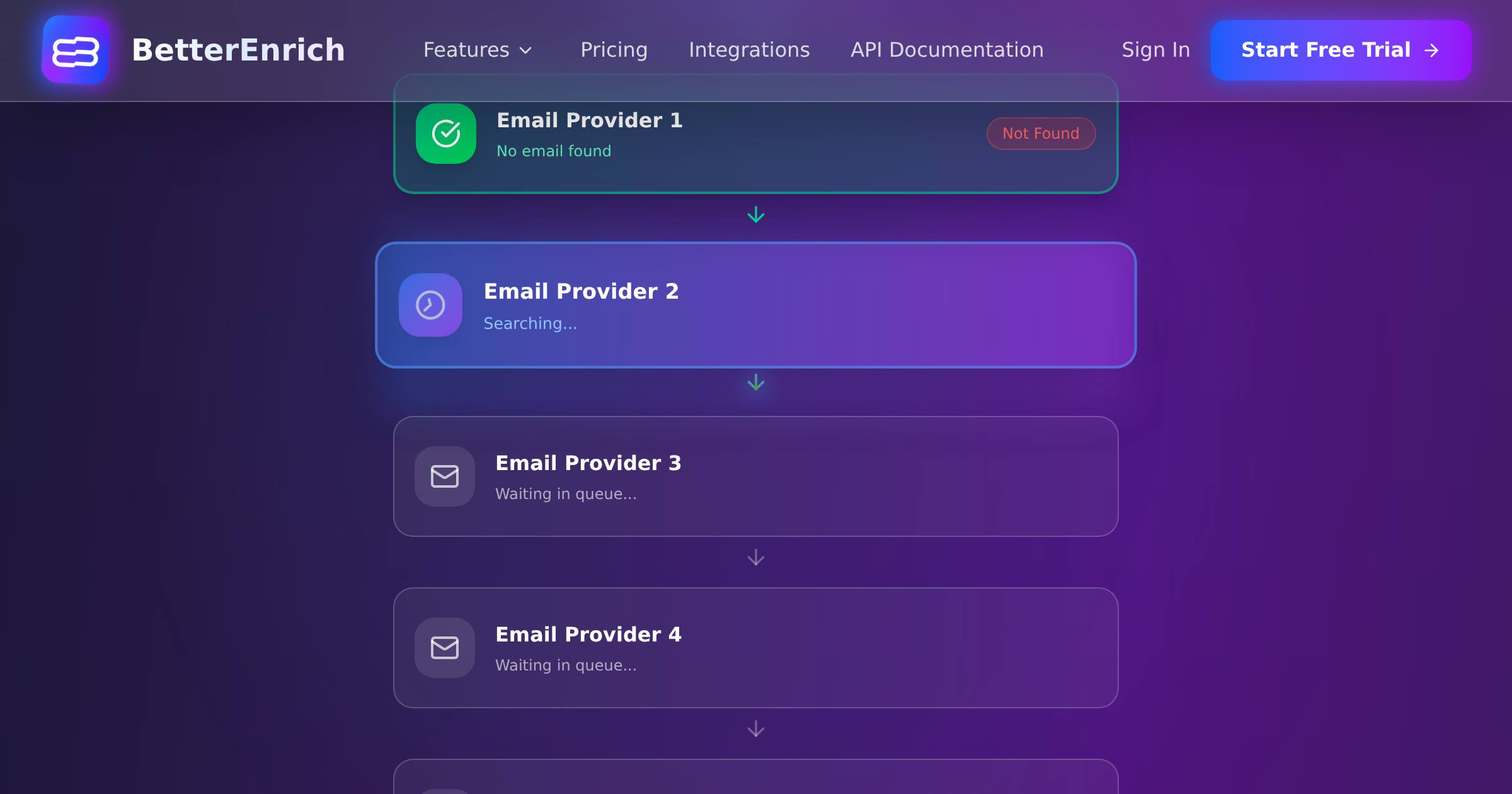
- Immediate enrichment: BetterEnrich waterfall finds verified email, phone, company domain
- Duplicate check: search CRM for matches on any enriched identifier
- If match found: update existing record with new/better data
- If no match: create new record with complete enrichment data
- Weekly scan: run automated dedup across entire database using enriched fields
- Monthly audit: sample and verify that duplicate rate stays under 5%
Measuring Duplicate Impact
Track these metrics to quantify the duplicate problem and measure improvement:
- Current duplicate rate: (duplicates found / total records) x 100 (target: under 5%)
- Duplicates prevented per month: how many potential duplicates were caught at entry
- False positive rate: how many matches were incorrectly flagged as duplicates (should be under 2%)
- Database accuracy: spot-check 50 records monthly for hidden duplicates
Tools and Features by CRM
Salesforce: Matching Rules and Duplicate Rules in Setup. Supports fuzzy matching and custom matching criteria. Can block duplicate creation or alert users.
HubSpot: duplicate management tool in Operations Hub. AI-powered duplicate detection. Manual merge interface. Automatic detection on import.
Pipedrive: built-in duplicate detection on contact creation. Merge suggestions for similar records. Less sophisticated than Salesforce but adequate for most teams.
Zoho: dedup module in Zoho CRM. Supports exact and fuzzy matching. Can be configured for automatic or manual merge.
The Bottom Line
Duplicate records are a data quality problem with a data quality solution. Enrichment provides the additional identifiers (verified email, phone, standardized company domain) that make duplicate detection accurate instead of approximate. Prevention at the point of entry is always better than periodic cleanup. And the combination of enrichment-enhanced prevention plus regular automated scanning keeps your duplicate rate under 5% permanently.
Stop treating duplicates as an inevitable CRM tax. With the right enrichment data and matching logic, duplicates become a solved problem rather than a recurring headache.