Enriching a hundred contacts is straightforward. Enriching a hundred thousand introduces a completely different set of challenges. Rate limits become a real constraint. Costs add up fast. Quality control that works fine at small scale breaks down when you cannot manually spot-check more than a fraction of results. And the sheer logistics of managing a multi-day enrichment batch while keeping your operational systems running smoothly requires actual planning.
If you are dealing with a database of 100,000 or more records and need to enrich them, whether for a first-time data cleanup, a migration between tools, or a quarterly refresh, here is how to approach it without breaking your budget or your infrastructure.
The Math That Changes Everything at Scale
Let us start with the numbers because they dictate every decision you make.
At 100,000 records with an average enrichment cost of $0.05 per record, you are looking at $5,000 for a single enrichment pass. At $0.15 per record (which is where some vendors land for multi-field enrichment), that is $15,000. If you plan to re-enrich quarterly, multiply by four.
API rate limits compound the timeline problem. Most enrichment APIs allow between 1,000 and 5,000 requests per hour. At 5,000 per hour, enriching 100,000 records takes 20 hours of continuous API calls. At 1,000 per hour, you are looking at 100 hours, which is over four days of nonstop processing.
And that is assuming every request succeeds on the first try. In reality, you will hit rate limit errors, timeouts, and transient failures that require retries. A realistic timeline for 100K records: plan for 3 to 5 days of processing time.
Step 1: Segment and Prioritize Before You Start
The biggest mistake teams make with large-scale enrichment is treating every record equally. Not every record in your database deserves the same enrichment investment. Segment your database and enrich in priority order:
Tier 1: Active pipeline (enrich first). Open opportunities, active conversations, and in-progress deals. These records drive immediate revenue. Enrich them with maximum depth (work email, phone, firmographics, technographics). Maybe 5 to 10% of your database.
Tier 2: ICP-matching accounts (enrich second). Records that match your ideal customer profile but are not in active pipeline. These are your future pipeline. Enrich with standard depth (work email, phone, firmographics). Maybe 20 to 30% of your database.
Tier 3: Nurture contacts (enrich third). Marketing contacts in your database that do not match your ICP closely but have engaged in the past. Basic enrichment (email verification, company identification). Maybe 30 to 40%.
Tier 4: Archive (skip or minimal enrichment). Old records with no engagement, companies that have gone out of business, contacts who bounced years ago. Verify emails only, and remove records that are clearly dead. The remaining 20 to 30%.
This segmentation alone can cut your enrichment costs by 30 to 50% because you are not spending premium enrichment credits on records that will never convert.
Step 2: Choose Your Processing Architecture
At enterprise scale, you need to think about processing architecture, not just which enrichment tool to use.
Queue-based processing is the most reliable approach. Feed your records into a job queue (Redis, RabbitMQ, AWS SQS, or even a simple database table with a status column). A worker process pulls records from the queue, calls the enrichment API, handles the response, and marks the record as complete or failed. This gives you automatic retry logic, pause/resume capability, and visibility into processing progress.
Batch API endpoints are offered by some enrichment providers. Instead of one API call per record, you upload a CSV or JSON array and get results back in bulk. This is simpler to implement but gives you less control over error handling and retries.
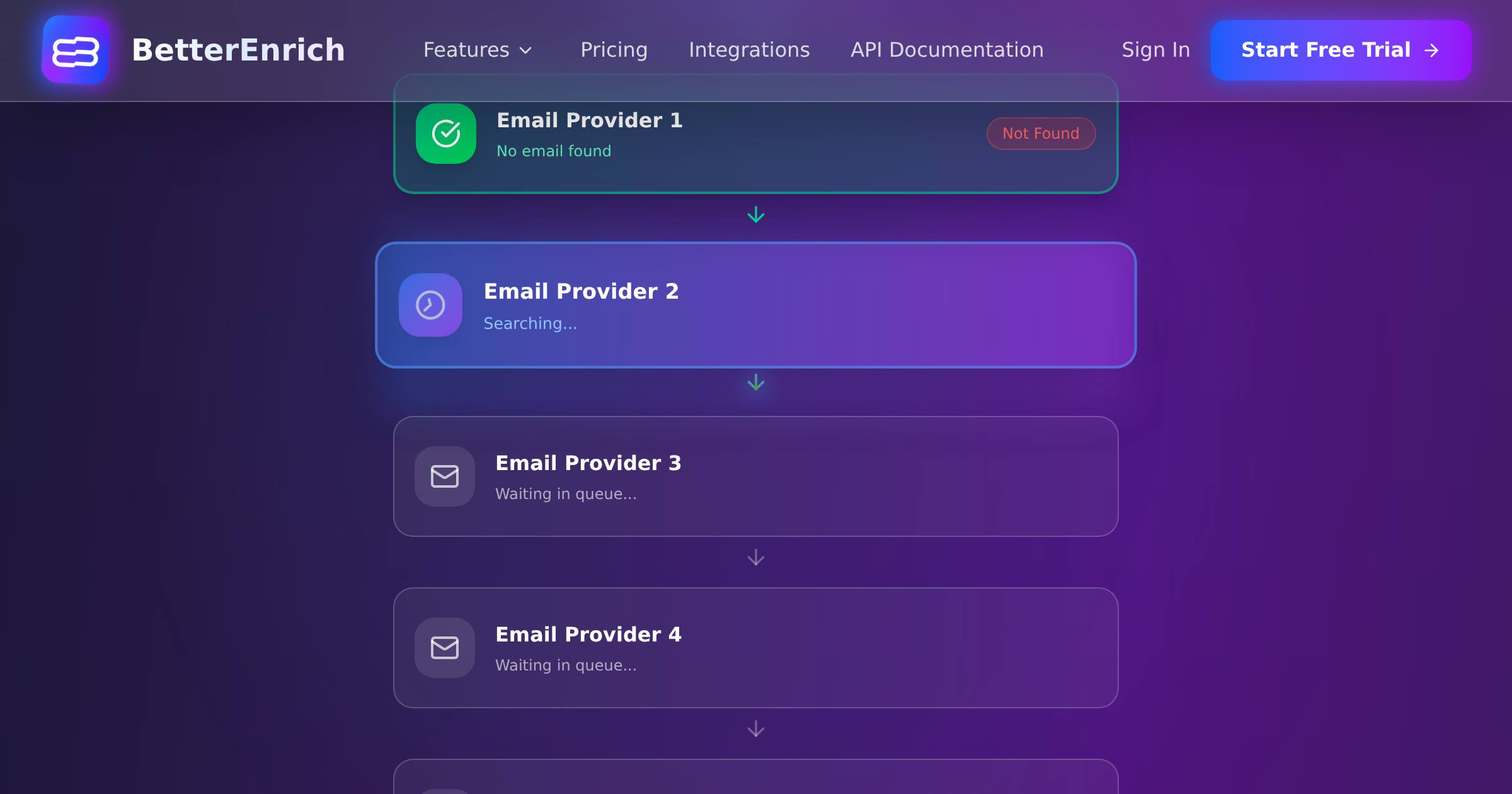
Async webhook architecture works well with waterfall enrichment platforms. You submit the request, the platform processes it across multiple data sources (which takes 30 to 90 seconds per record for waterfall queries), and sends results to your webhook endpoint when ready. This is ideal for large batches because you are not holding connections open waiting for responses.
For BetterEnrich specifically, the async API pattern lets you submit enrichment requests and receive results via webhook, which means your processing system can fire off requests at the maximum allowed rate and handle results as they arrive.
Step 3: Manage Rate Limits Without Losing Your Mind
Rate limiting is the practical bottleneck for enterprise enrichment. Here are the strategies that work:
Respect the limits proactively. Do not hammer the API until you get 429 errors. Instead, calculate your maximum throughput (requests per second = hourly limit divided by 3600) and throttle your request rate to stay just below that. A leaky bucket or token bucket algorithm works well here.
Implement exponential backoff. When you do hit a rate limit, wait 1 second, then 2, then 4, then 8. Most rate limits reset within minutes, so aggressive retries just make things worse.
Use multiple API keys if available. Some providers allow multiple API keys with separate rate limits. This effectively multiplies your throughput. Check your provider's terms of service first.
Process during off-peak hours. If your enrichment provider has lower latency and fewer rate limit issues during nights and weekends (many do), schedule your batch processing for those windows.
Stagger by segment. Process Tier 1 records first (small batch, fast turnaround). Then start Tier 2 while Tier 1 results are being written back to the CRM. This parallelization keeps your sales team productive while the bulk processing continues.
Step 4: Quality Control at Scale
When you are enriching 100,000 records, you cannot manually review each result. You need automated quality checks and sample-based auditing.
Automated checks (run on every record):
- Email format validation: Does the returned email follow standard format rules?
- Domain match: Does the email domain match the company domain? A mismatch rate above 5% indicates a data quality problem.
- Phone format validation: Are returned phone numbers in valid formats for their country?
- Completeness threshold: Flag records where fewer than 3 out of 5 target fields were enriched.
- Obvious errors: Company name returned as the person's name, job titles that are clearly wrong (like CEO for a junior analyst), locations that do not match the company headquarters.
Sample-based auditing (run on 1 to 2% of records):
- Pull a random sample of 500 to 1,000 enriched records
- Manually verify 5 to 10 data points per record against LinkedIn, company websites, and other sources
- Calculate accuracy rates by field (email accuracy, phone accuracy, title accuracy)
- If any field falls below 90% accuracy, investigate the provider and potentially re-enrich that field from an alternative source
The Dropcontact benchmark study tested 20,000 contacts across multiple enrichment providers and found hard bounce rates ranging from 0.9% to 11.2%. At enterprise scale, even small accuracy differences compound into thousands of bad records, so quality monitoring is not optional.
Step 5: Cost Management Strategies
At scale, cost optimization is a meaningful exercise. Here are the levers you can pull:
- Skip already-enriched fields. If a record already has a verified email, do not pay to enrich the email again. Only enrich missing or stale fields. This alone can cut costs 20 to 40%.
- Use a pay-per-valid model. Providers like BetterEnrich only charge for successful lookups. On a 100K batch, if your overall find rate is 80%, you pay for 80K results instead of 100K lookups. That 20% savings adds up fast.
- Negotiate volume pricing. At 100K-plus volumes, most providers offer volume discounts. Get quotes from multiple providers and negotiate.
- Enrich in stages. Start with basic enrichment (email and company match) for all records. Then do premium enrichment (phone, technographics) only for records that pass your ICP filter. This tiered approach avoids spending premium credits on non-ICP records.
- Set budget caps. Configure daily or monthly spending limits in your processing system. When you hit the cap, pause and resume the next day. This prevents runaway costs from bugs or unexpected volumes.
Step 6: Writeback and Sync
Getting enrichment results is half the job. Writing them back to your operational systems without creating a mess is the other half.
At enterprise scale, you cannot do one-at-a-time CRM updates. Use bulk APIs: Salesforce has Bulk API 2.0 for large data loads, HubSpot has batch endpoints, and most CRMs offer some form of bulk import.
Critical writeback rules:
- Never overwrite non-empty fields with empty enrichment results. If the CRM has a phone number and enrichment returns nothing, keep the existing number.
- Use field-level timestamps. Track when each field was last enriched so you know what is fresh and what is stale.
- Write enrichment metadata alongside the data: source provider, confidence level, enrichment timestamp. This is essential for auditing and debugging.
- Stage the data before writing. Load enrichment results into a staging table or temporary field set. Run your quality checks. Then promote to production fields.
Step 7: Plan for Ongoing Maintenance
Enterprise-scale enrichment is not a one-time project. B2B data decays at 2.1% per month, which means roughly 2,100 records in your 100K database go stale every month. Job title changes affect 65.8% of contacts within 12 months. Phone number changes affect 42.9%.
A sustainable maintenance plan:
- Monthly re-enrichment of active pipeline and Tier 1 records (5 to 10K records)
- Quarterly re-enrichment of Tier 2 ICP-matching records (20 to 30K records)
- Annual full-database refresh
- Event-triggered re-enrichment: bounce events, job change signals, and company news automatically trigger re-enrichment of affected records
Budget for ongoing enrichment as an operational expense, not a one-time project cost. At scale, the ongoing maintenance costs about 30 to 50% of the initial enrichment investment annually, which is a good deal when you consider that the alternative is letting your database rot.
Enterprise Scale Is a Different Game
The jump from enriching hundreds of records to hundreds of thousands requires a shift in thinking from tactical to architectural. You need processing infrastructure, quality automation, cost controls, and maintenance plans that small-scale enrichment simply does not demand.
But the payoff is proportional. A clean, enriched enterprise database with 100K-plus contacts is a genuine competitive asset. It means your reps always have accurate data to work with, your marketing team can segment and personalize effectively, and your analytics team can build models on complete data rather than guessing around gaps. That is worth the engineering effort to get right.