The days of selling to a single decision-maker are long gone. The average B2B deal now involves 6 to 10 people on the buying side. Some enterprise deals have 15 or more stakeholders weighing in. If you are only talking to one person at your target account, you are flying blind on the other 5 to 9 opinions that will shape the final decision.
This is where data enrichment becomes a strategic weapon rather than just a prospecting convenience. Enrichment does not just help you find people. It helps you find the right constellation of people at each account and understand how they relate to your deal.
Why Buying Committees Matter More Than Ever
B2B purchases have gotten more complex for several reasons. Budgets face more scrutiny. Technology decisions affect more departments. Remote work means more people need to weigh in because they are affected by tool choices. And risk aversion has increased across organizations.
The result: deals that used to need a VP signature now need sign-off from IT, finance, legal, procurement, and the end-user team. Miss any one of these stakeholders and your deal can stall or die in committee without your champion being able to save it.
Multi-threaded deals (where the seller has relationships with 3 or more contacts at the account) close at 2 to 3 times the rate of single-threaded deals. That statistic alone should make buying committee mapping a priority for every B2B sales organization.
The Five Roles in Every Buying Committee
While titles and structures vary, most buying committees include these functional roles:
Economic Buyer: The person who controls the budget and gives final approval. Usually VP-level or above. They care about ROI, strategic alignment, and risk. You need their sign-off, but they often delegate the evaluation to others.
Champion: Your internal advocate. They have the pain your product solves, they believe in your solution, and they will spend political capital to push the deal forward. Usually a director or senior manager. This is the most important person in your deal.
Technical Evaluator: The person who assesses whether your solution works technically. Will it integrate? Is it secure? Does it scale? Usually someone in IT, engineering, or operations. They have veto power even if they do not have budget authority.
End Users: The people who will use your product daily. Their input on usability and workflow fit can make or break the evaluation. A solution the end users do not want will face adoption resistance even after purchase.
Legal and Procurement: The people who review contracts, negotiate terms, ensure compliance, and manage vendor risk. They enter late in the process but can delay or kill deals with procurement requirements or legal objections.
Using Enrichment to Identify Committee Members
Here is the practical process for using data enrichment to map buying committees at your target accounts.
Step 1: Define Your Search Criteria by Role
For each buying committee role, define the job titles and departments that typically fill that role for your product. This varies by company size:
- At startups (under 50 employees): the CEO or founder often fills multiple roles. The economic buyer and champion might be the same person.
- At mid-market companies (50-500 employees): clear departmental structure. VP of relevant department is economic buyer, director is champion, IT manager is technical evaluator.
- At enterprise companies (500+ employees): specialized roles. Multiple economic buyers across business units, dedicated procurement teams, complex approval chains.
Step 2: Enrich by Department and Seniority
Using your enrichment tool, search for contacts at each target account filtered by department and seniority level. For a typical deal, you want contacts from:
- The primary department your product serves (your champion and end users)
- IT or engineering (technical evaluator)
- Finance (budget influence)
- The C-suite (economic buyer)
- Legal or procurement (contract reviewers)
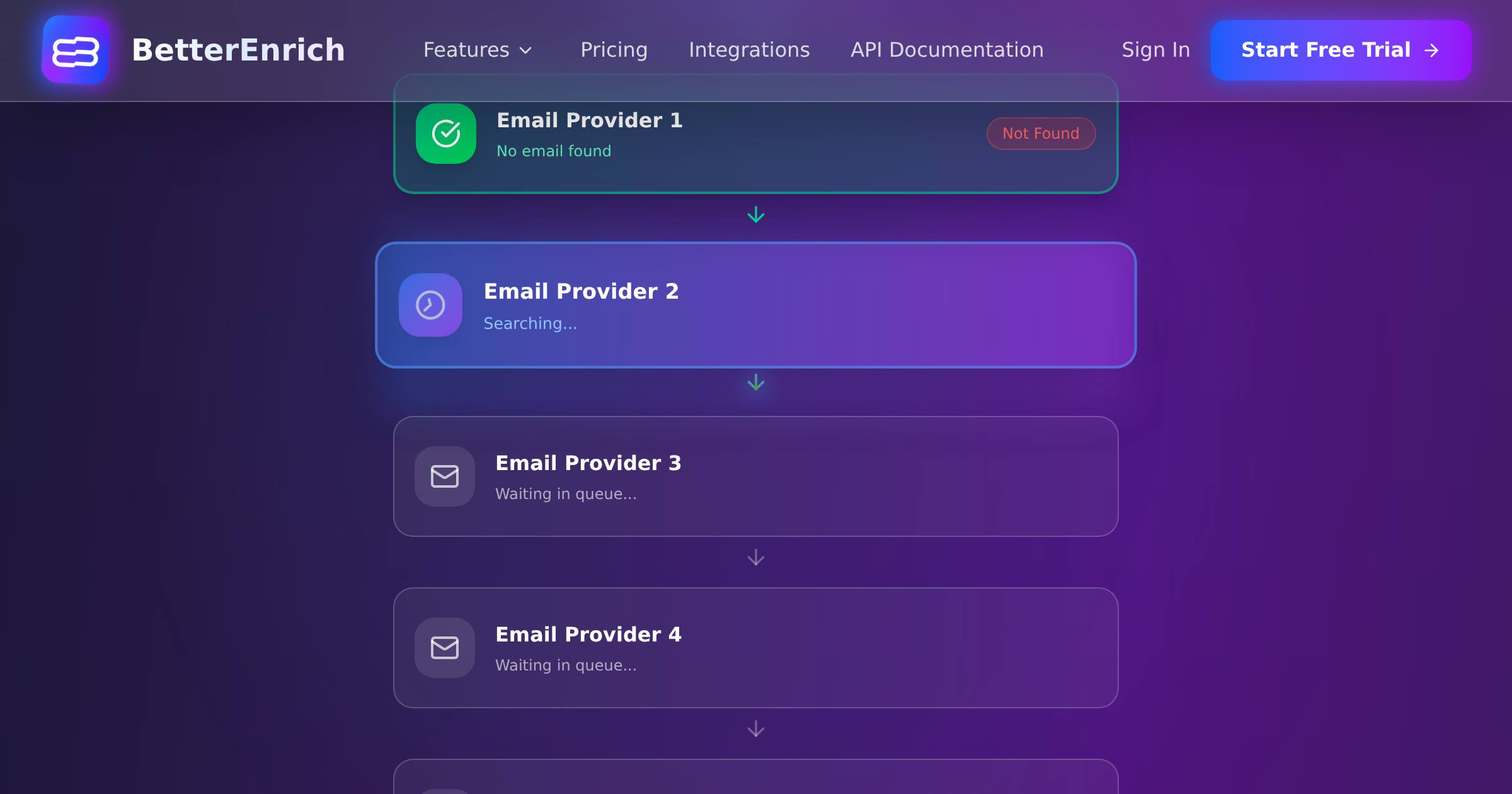
Waterfall enrichment is particularly valuable here because buying committee members beyond your primary contact are often harder to find. The person whose title perfectly matches your search might not appear in any single data source. Cascading across 17+ sources (as BetterEnrich does) significantly increases the probability of finding all committee members.
Step 3: Verify and Prioritize
Not every enriched contact is equally important. Prioritize based on:
- Relevance to your deal (does their role map to a buying committee function?)
- Seniority (higher seniority generally means more influence)
- Data quality (verified email and phone vs. unverified)
- Engagement potential (have they shown any signals of interest?)
Target: identify at least 3 to 5 verified contacts per Tier 1 account. For Tier 2 accounts, 2 to 3 contacts. For Tier 3, at least your primary champion.
Step 4: Enrich Contact Data for Each Person
For each identified committee member, you need:
- Verified work email (for email outreach and sequence enrollment)
- Direct dial or mobile phone (for phone outreach)
- Job title and department (for personalization)
- LinkedIn profile URL (for social selling)
- Tenure in role (recent hires may be more open to new vendors)
The pay-per-valid model matters here. When you are enriching 5+ contacts per account across 100 accounts, costs add up fast with per-lookup pricing. Paying only for verified, valid contacts keeps costs proportional to value.
Building the Committee Map
With enriched contacts identified, organize them into a visual committee map for each account. This does not need to be fancy. A simple table or diagram showing:
- Each person's name, title, and role in the buying process
- Their likely priorities and concerns (based on their role)
- Your engagement status (not contacted, contacted, engaged, supportive, opposed)
- Relationships between committee members (who reports to whom, who influences whom)
Store this in your CRM as account-level intelligence. Some CRMs have native org chart features. Others require custom fields or linked records. The format matters less than having the information accessible to everyone working the account.
Enrichment Signals That Reveal Committee Dynamics
Beyond basic contact discovery, enrichment data can reveal insights about committee dynamics:
Tenure data: If the VP of IT joined three months ago, they are likely evaluating their entire vendor stack. New executives are 2 to 3 times more likely to make purchasing decisions in their first year.
Hiring signals: If the company is hiring for roles related to your product (like a data analyst when you sell analytics software), it signals investment in that area and a growing team that needs tools.
Technographic data: The company's current technology stack tells you about technical evaluator preferences, integration requirements, and potential champions who manage the relevant tools.
Company growth signals: Funding rounds, revenue growth, and headcount increases signal budget availability and expanding needs. These affect the economic buyer's willingness to invest.
Engaging Multiple Stakeholders Without Being Annoying
Mapping the committee is step one. Engaging them appropriately is step two. Here are the principles:
Start with your champion. Do not cold-email the entire buying committee simultaneously. Find your champion first, build that relationship, and then use their guidance to navigate to other stakeholders.
Customize messaging by role. The economic buyer cares about ROI and strategic alignment. The technical evaluator cares about integration and security. The end user cares about usability. Send role-appropriate messages, not one generic pitch to everyone.
Coordinate across your team. If an SDR is emailing the champion while an AE is calling the VP while a marketing campaign is hitting the end users, coordinate. Uncoordinated multi-threading looks chaotic and unprofessional.
Respect the champion's relationships. Before reaching out to other committee members, ask your champion if that is appropriate and whether they can facilitate introductions. Going around your champion without their knowledge can damage trust.
Track engagement at the account level. Use your CRM to see all interactions across all contacts at the account. This prevents duplicate outreach and ensures consistent messaging.
Maintaining Committee Maps Over Time
People change jobs. 15 to 20% of professionals switch roles annually, and job title changes affect 65.8% of contacts within 12 months. Your buying committee map from January may be significantly wrong by July.
Maintenance cadence:
- Active deals: verify committee members monthly
- Pipeline accounts: re-enrich quarterly
- Target accounts not in pipeline: re-enrich semi-annually
Set up alerts in your CRM or enrichment tool for job change signals on key contacts. Losing your champion to a job change is one of the most common reasons deals stall. Early detection gives you time to identify and develop a new champion.
The ROI of Committee Mapping
Multi-threaded deals close at 2 to 3 times the rate of single-threaded deals. If your average deal size is $50,000 and your team has 20 deals in pipeline, increasing your multi-threading from 30% to 70% of deals could mean the difference between $300,000 and $700,000 in closed revenue.
The enrichment cost to identify 5 contacts per account across 20 accounts is roughly $20 to $150 depending on your tool and pricing model. That is a rounding error compared to the pipeline impact.
Buying committee mapping is not a nice-to-have. It is the foundation of enterprise selling, and data enrichment is what makes it possible at scale.