LinkedIn is where B2B prospecting starts for most sales teams. With 900+ million members, it is the largest professional network on the planet. But LinkedIn has a problem: it gives you names, titles, and company info, but not the contact details you actually need to run outreach. No work emails. No phone numbers. Nothing you can plug into a sequence and start selling with.
That gap between finding a prospect on LinkedIn and having the data to actually reach them is where most reps lose time. They find the perfect prospect, then spend 15 minutes hunting for their email address across multiple tools and websites. Multiply that by 50 prospects a day and you are looking at hours of wasted time.
Chrome extension-based enrichment tools solve this. One click on a LinkedIn profile and you get the work email, phone number, and company data you need. But not all extensions are created equal, and the way you use them matters as much as which one you pick.
How LinkedIn Enrichment Extensions Work
The basic concept is simple. You install a browser extension, navigate to a LinkedIn profile, and click a button. The extension sends the profile data (name, company, title) to an enrichment API behind the scenes. The API searches its databases for matching contact information and returns the results directly in your browser.
The best extensions overlay the enriched data right on the LinkedIn profile page. You see the work email, personal email, mobile number, and direct dial without navigating away. Some extensions also show company data like revenue, employee count, and technology stack.
Most extensions integrate with CRMs, so you can push the enriched contact directly into Salesforce, HubSpot, or whatever system your team uses. One click to enrich, one click to save to CRM. That is the ideal workflow.
The Major Players
Lusha
Lusha is probably the most widely used LinkedIn enrichment extension. It is credit-based, which means you pay per contact revealed. The free tier gives you a limited number of credits per month. The interface is clean and the data quality is generally solid for US contacts.
Strengths: easy to use, strong credit rollover policy, decent accuracy. Weaknesses: single-source data means coverage gaps on harder-to-find contacts, can get expensive at scale.
Kaspr
Kaspr focuses heavily on LinkedIn data extraction. It pulls contact data directly from LinkedIn profiles and runs it through its database. The tool is popular in Europe and has solid GDPR compliance features.
Strengths: LinkedIn-native experience, European data coverage. Weaknesses: smaller database than US-focused competitors, credit-based pricing adds up.
Seamless.AI
Seamless.AI positions itself as a real-time search engine for B2B contacts. Rather than relying on a static database, it searches for contact information in real-time when you click. This can produce more up-to-date results but takes longer per lookup.
Strengths: real-time search finds current data, AI-powered matching. Weaknesses: slower than database lookups, accuracy varies by prospect.
Apollo.io
Apollo is more than just a Chrome extension. It is a full sales intelligence platform with 275+ million contacts. The extension lets you enrich LinkedIn profiles, but the real power is in the platform where you can build prospect lists, run sequences, and track engagement.
Strengths: massive database, full platform behind the extension, free tier available. Weaknesses: accuracy concerns reported by some users, the platform can be overwhelming for simple enrichment needs.
The Limitation of Single-Source Extensions
Here is the catch with all of these tools: they are single-source. Each extension queries its own database. If that database does not have the contact, you get nothing. And single-source tools typically deliver 50-70% coverage. That means 3-5 out of every 10 prospects you look up will come back empty.
When you hit a gap, most reps do one of two things: give up on the prospect or start manually searching the web. Both are bad outcomes. Giving up means leaving money on the table. Manual research means burning time that should be spent selling.
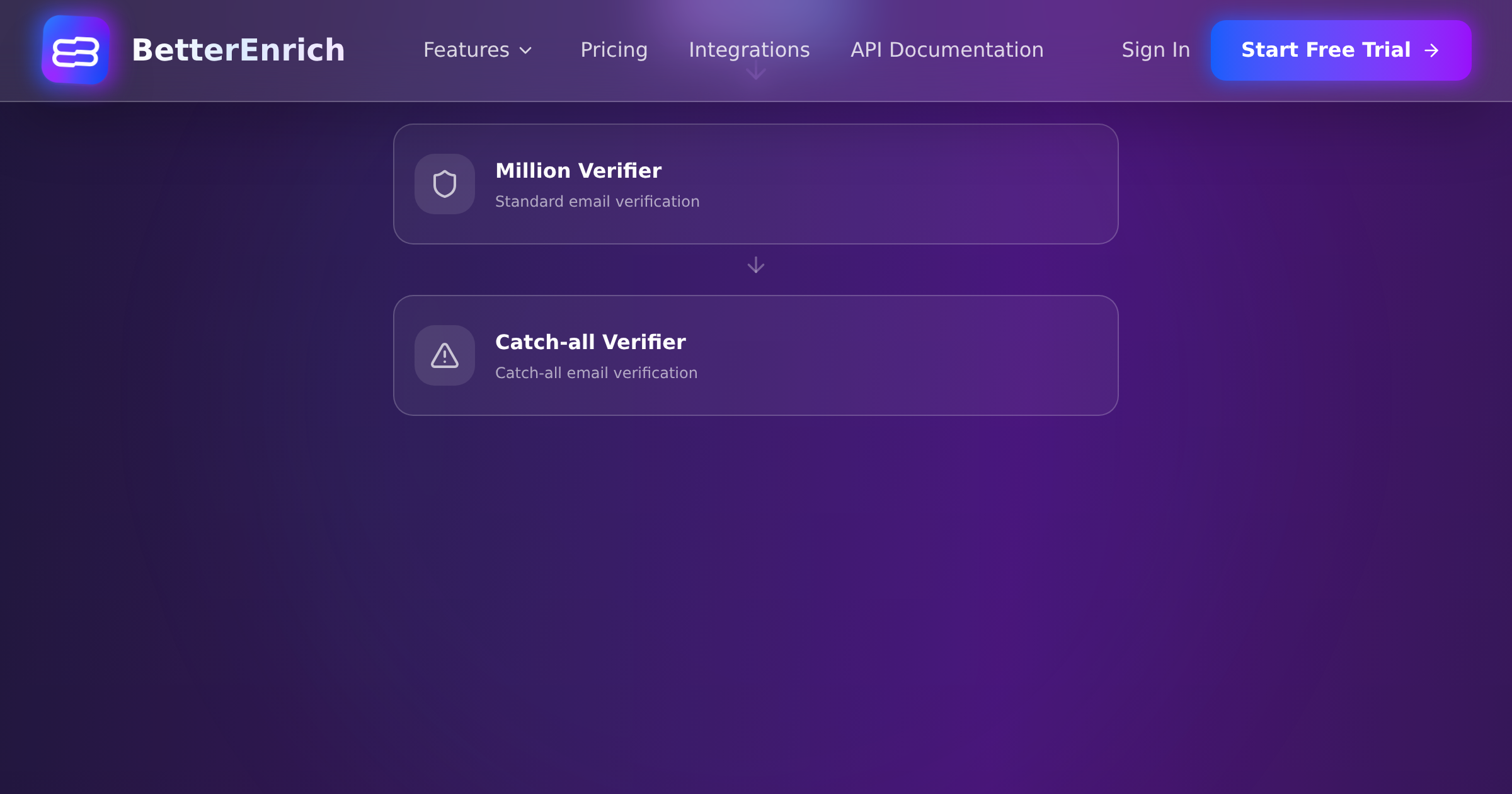
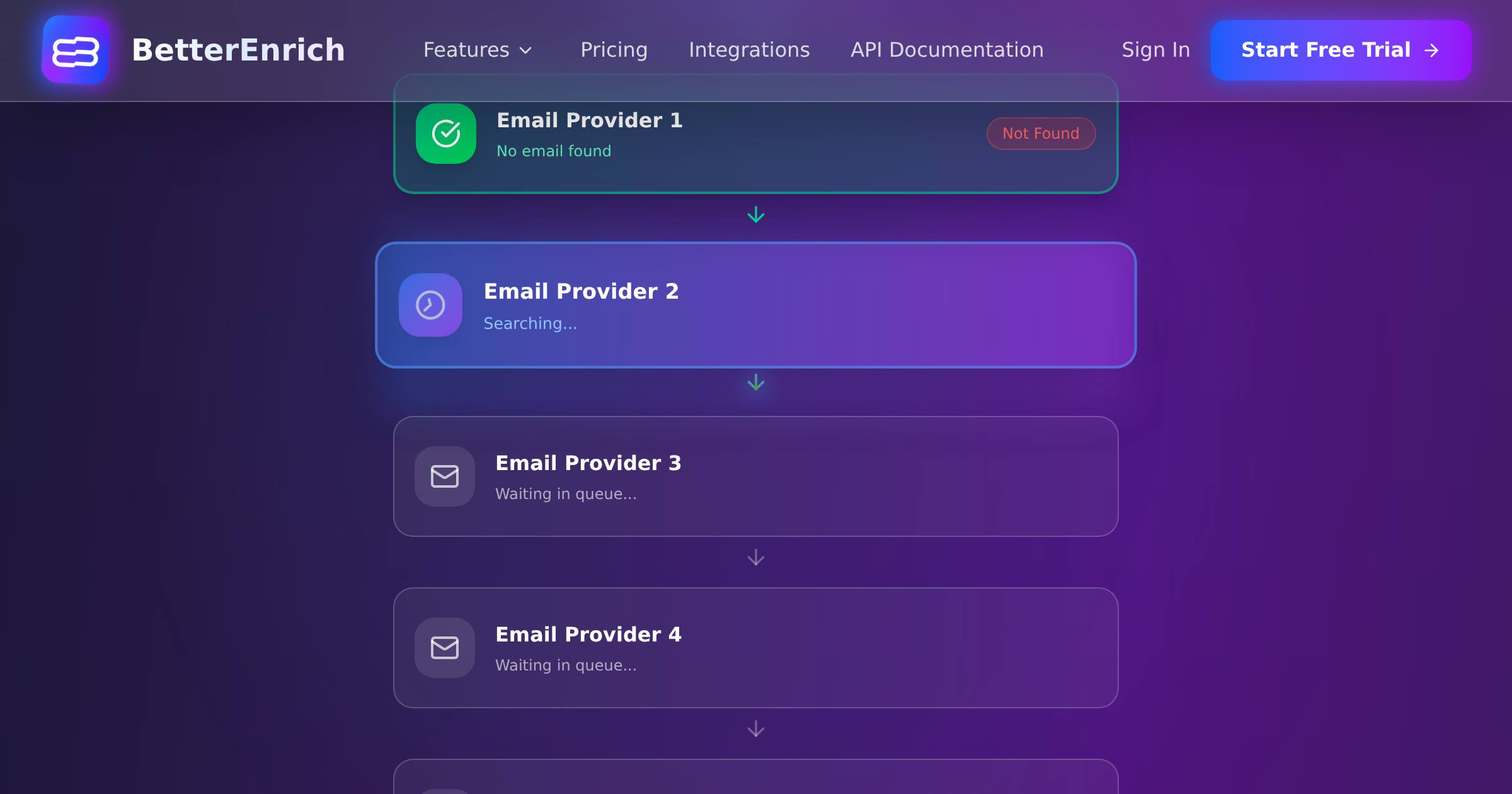
This is where waterfall enrichment changes the equation. Instead of relying on one database, waterfall platforms query 15-17+ data sources in sequence. If Provider A does not have the email, it tries Provider B, then C, and so on. Coverage jumps to 85-95%.
BetterEnrich operates this waterfall model. While it does not currently offer a Chrome extension (the primary interface is API-based), you can integrate it into workflows that trigger enrichment automatically when you add a LinkedIn prospect to your CRM. The result is the same: you find the prospect on LinkedIn, save them to your CRM, and the enrichment happens automatically in the background.
Building the Optimal LinkedIn Prospecting Workflow
Step 1: Build Your Prospect List in Sales Navigator
LinkedIn Sales Navigator is the starting point. Use the advanced filters to narrow by title, company size, industry, geography, and seniority level. Save prospects to a lead list.
Pro tip: use boolean search in Sales Navigator for precision. For example, searching for titles containing VP OR Director AND Sales OR Revenue at companies with 50-500 employees in the SaaS industry gives you a tightly targeted list.
Step 2: Enrich in Bulk
Rather than enriching one profile at a time, export your Sales Navigator list (or use a tool that syncs it) and run bulk enrichment through a waterfall platform. This is dramatically faster and more cost-effective than clicking through profiles one by one with a Chrome extension.
Bulk enrichment through a waterfall like BetterEnrich gives you 85-95% coverage at a pay-per-valid price. You only pay for contacts that come back verified. Compare that to Chrome extensions where you burn a credit on every lookup, even when the result is empty or inaccurate.
Step 3: Verify Before You Reach Out
Enrichment and verification are not the same thing. Enrichment finds the email or phone number. Verification confirms it is currently valid and deliverable.
Always verify enriched data before loading it into your outreach sequence. Hard bounce rates across enrichment tools range from 0.9% to 11.2%. A 5% bounce rate can damage your sending domain reputation. Verification drops that risk close to zero.
BetterEnrich includes verification in the enrichment process. Work emails are validated for deliverability. Phone numbers go through 3-step verification (format, line-type, location). You get enriched and verified data in one step.
Step 4: Push to Your CRM and Sequence
Enriched, verified contacts should flow directly into your CRM and outreach platform. Manual CSV exports and imports are a relic. Use API integrations or middleware like Zapier to automate the handoff.
The goal: you find a prospect on LinkedIn, add them to a list, and within minutes they are enriched, verified, in your CRM, and enrolled in the right outreach sequence. Zero manual data entry.
LinkedIn Enrichment Best Practices
Respect LinkedIn rate limits. Extensions that scrape too aggressively can trigger LinkedIn restrictions on your account. Most tools have built-in rate limiting, but be cautious about running hundreds of lookups in a short period.
Prioritize work emails over personal. For B2B outreach, work emails are what you want. Personal emails (Gmail, Yahoo) should be a fallback, not the primary contact method. They convert at lower rates and can feel invasive.
Cross-reference data. If you use a Chrome extension for quick lookups, spot-check the results against LinkedIn profile details. Does the email domain match the company? Does the job title match? Simple sanity checks catch bad data before it enters your CRM.
Track enrichment source performance. If you are using multiple tools, track which one delivers the highest valid rate. Over time, you will learn which sources are strongest for different segments of your ICP.
Cost Comparison
Chrome extension credits typically cost $0.10-0.50 per contact revealed. If you are enriching 500 prospects per month, that is $50-250 per month per rep. Not terrible, but you are only getting 50-70% coverage.
Waterfall enrichment through a platform like BetterEnrich costs on a pay-per-valid basis. You only pay for contacts that come back verified. The per-contact cost varies, but the 50% cost savings over single-source tools means the effective cost per valid contact is typically lower than Chrome extension credits, with significantly better coverage.
For teams doing serious outbound (500+ prospects per rep per month), the waterfall approach almost always wins on both cost and coverage.
The Bottom Line
LinkedIn is where you find prospects. Enrichment is how you turn those prospects into reachable contacts. The fastest approach combines LinkedIn Sales Navigator for discovery with waterfall enrichment for contact data.
Chrome extensions are fine for quick, one-off lookups. But if you are running outbound at any scale, you need a system that enriches in bulk, verifies automatically, and syncs with your CRM without manual intervention. That is the difference between a rep who spends their day clicking through LinkedIn profiles and one who spends their day having actual sales conversations.